
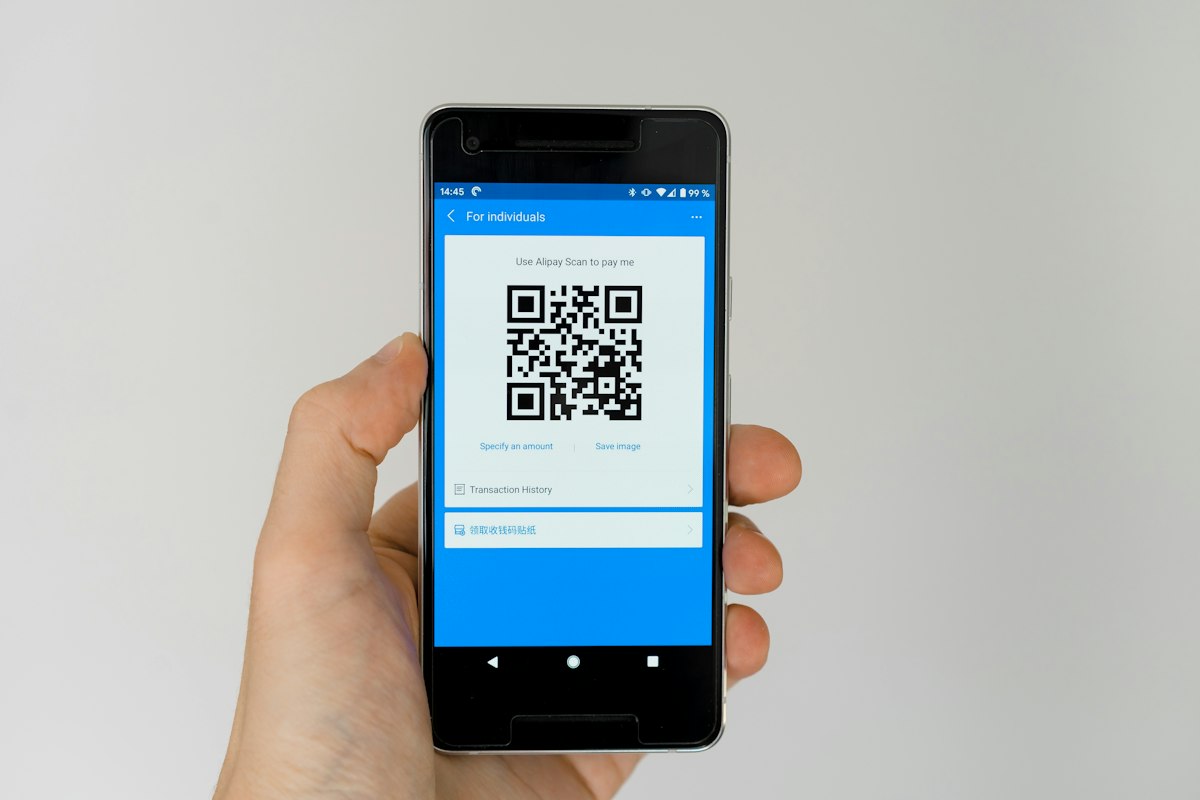
QR codes have become part of our daily lives. From restaurant menus to business cards, they let us access information quickly. In this guide, we'll explain what QR codes are, how to use them, and how to create them easily.
What is a QR code?
QR (Quick Response) is a two-dimensional barcode that can be scanned by a phone. It stores information such as links, texts, or contacts.
Uses of QR codes
- Marketing: Link ads to landing pages.
- Restaurants: Digital food menus.
- Business cards: Share contact information.
- Events: Attendance check-in.
- Payments: Electronic payment apps.
Steps to create a QR code using our tool
- Open the QR Code Generator tool.
- Enter the link or text.
- Choose the size and design.
- Click "Generate".
- Download the image.
Tips for using QR codes
- Make sure the code is clear and scannable.
- Test the code before printing.
- Add a "Scan me" phrase next to it.
- Use short links to avoid scanning errors.
Frequently Asked Questions
Are QR codes safe?
Yes, but verify the source before scanning.
Can QR codes be customized?
Yes, you can add logos and colors.
Do QR codes expire?
No, unless they are linked to a service that allows that.
Conclusion
QR codes are a powerful tool for marketing and sharing. Use the free QR Code Generator.