Creating a WhatsApp link directly means the customer starts a conversation with you with one tap, without saving your number in their contacts and without searching for you inside the app. The link in its official wa.me format opens a ready conversation with your number, and if you add a pre-written message to it, the message appears in the customer's typing box so they need only one tap to send it. For store owners and service providers, this small difference — between "find us" and "talk now" — is often the difference between an inquiry that arrives and an inquiry lost on the way. This practical guide explains how to build the link with correct formatting, how to phrase your ready message, where to place the link so it actually works, and the silent mistakes that make many links not work at all.
What is a direct WhatsApp link, and how does it work?
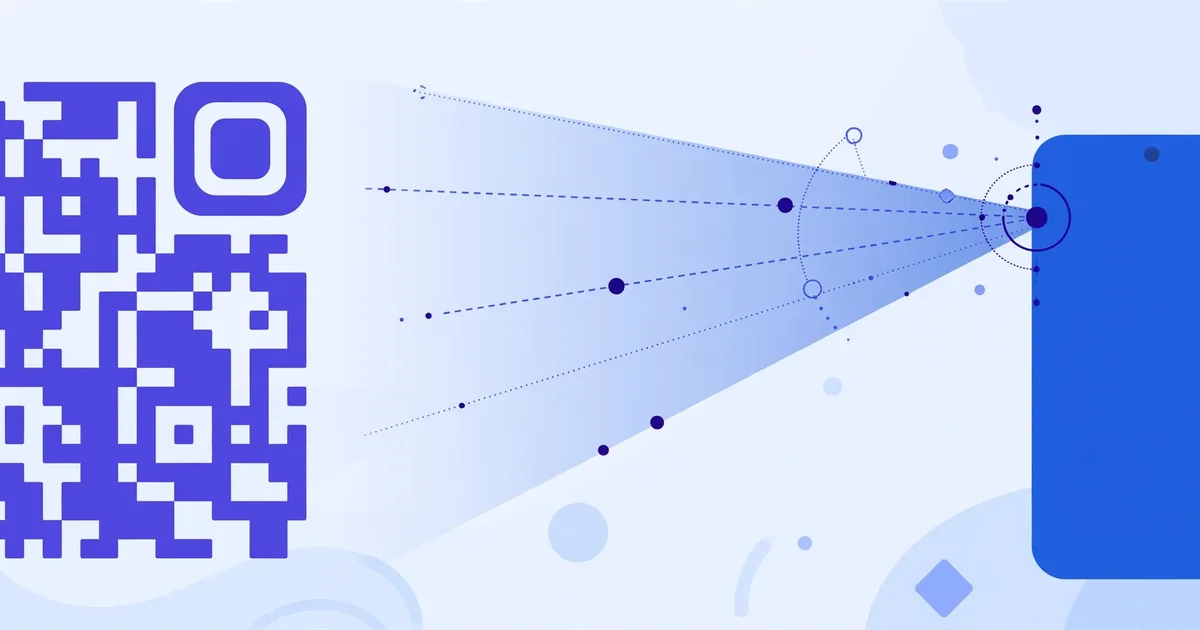
A direct WhatsApp link is a short web address from WhatsApp's official wa.me domain, followed by your number in international format. When clicked, WhatsApp directs the visitor to a conversation with that number: on a phone it opens the app directly, and on a computer it opens WhatsApp Web or the desktop app if logged in. And if text encoded in URL Encoding format is attached to the link, that text appears as a ready message in the typing box. The visitor does not need to save the number, and you do not need a special business account for this feature; it is an official function available to any WhatsApp number. The WhatsApp Link Generator tool on this site builds this link for you automatically: you choose the country and its code is added and the leading zero is removed from your local number, you write your message and it is encoded inside the link, and in addition to the link you get a downloadable QR code and ready HTML code to paste into your site — all inside your browser, without sending your number or message to any server.
Steps to create a WhatsApp link with a ready message
- Open the tool and choose the number's country from the list (it supports automatic conversion for fourteen countries), or choose "The number contains the country code" if you want to type the full international number yourself.
- Type the local number as it is on your card, such as 0501234567, and the tool will add the country code and remove the leading zero; make sure the final number is between 8 and 15 digits.
- Type your ready message in the message field, or choose one of the six ready templates for inquiry, ordering, support and booking, and edit it to suit your business.
- Choose the domain format: the short wa.me by default, recommended for sharing and printing, or api.whatsapp.com if you need it for a special compatibility.
- Copy the final link exactly as it is — including its encoding symbols and percentages — and test it from a phone other than yours before publishing it anywhere.
- Download the QR code in PNG format if you will use the link in print materials, and copy the HTML code if you want it as a button on your site.
How do you phrase a ready message that increases replies?
A good ready message does two things: it tells you immediately where the customer came from and what they want, and it relieves them of the burden of starting from zero. "Hello, I want to ask about something" is a weak message because it carries no information; whereas "Hello, I saw the air-conditioner cleaning offer on your account and I want to book an appointment" puts the conversation in its context from the first line. The rule: mention the source of the visit, the product or the service inside the message itself, and give each campaign or main product its own message instead of one general link for everything; you will then know which ad brings the customers, without any complex tracking tools. Keep the message short — two lines are usually enough, and you can adjust its length with the character counter in the tool itself or with the Word Counter — and free of any data you should not ask for before building trust, such as ID numbers or payment details; WhatsApp is a conversation channel, not a channel for collecting sensitive data. And note that your message will appear inside the link encoded with symbols and percentages, and that is normal and technically intended, so do not "clean" the link by deleting them.
Where do you place a WhatsApp link so it actually reaches customers?
| Position | Suitable format | A tip specific to the position |
|---|---|---|
| The bio of social accounts | A wa.me link directly | Save a step: do not put an intermediary links page if WhatsApp is your first goal |
| Your website | A fixed button or the HTML code from the tool | Make it visible on the product and pricing pages, not only in the footer |
| Print materials and business cards | A QR code downloaded from the tool, or a general one via the QR Generator | Test scanning from the actual print distance before approving the design |
| Paid ads | A link with a campaign-specific message | Review the advertising platform's policies, and dedicate a message to each campaign to measure the source of customers |
| Email signatures and invoices | A short text link | Use the wa.me format, as it is the shortest and clearest when printed |
In short text posts where every character counts, you can shorten any other long link you share alongside the WhatsApp link using the URL Shortener tool, paying attention to its limits as explained in our article on Shortening URLs: Benefits and Risks. As for the WhatsApp link itself, its official format is already short and needs no shortening.
Common mistakes that make the link not work
- A + sign or spaces inside the number: the number in the link is connected digits only; any other symbol may break the redirection.
- Keeping the leading zero after the country code: a number such as 9660501… is wrong; the local zero is deleted when writing the international format.
- Editing the link after copying it: deleting part of the encoded text or changing it corrupts the message or the whole link; copy and paste as it is.
- Testing the link from your own phone: it will open a conversation with yourself or show different behavior; always test from another device.
- A number that does not use WhatsApp at all: make sure the number is registered on WhatsApp and active before printing it on a thousand cards.
- One general message for everything: you lose the information about the customer's source and weaken the start of the conversation; customize the messages by position and product.
Limits and privacy: what should you know?
The link is public by nature: whoever has it can message you, so do not publish a personal number you do not want strangers' messages to reach, and prefer a dedicated business number you can change later without pain. And remember that the link starts the conversation but does not manage it; the fast, organized reply is your responsibility, and an excellent link leading to a neglected inbox is worse than no link. As for this site's tool specifically, the reassurance is doubled: the number and the message are processed only inside your browser, are not stored with us and are not sent to our servers, and what leaves your device is a request to load the QR code library from a CDN when needed. You will find broader uses for codes in our guide on Creating QR Codes if you want to turn other links into codes for print materials.
In conclusion: creating a WhatsApp link correctly is five minutes of work that saves your customers every step of reaching you, provided the number is formatted internationally with no leading zeros, a ready message that carries its context, and a test from another device before publishing. Create your link now, place it where your customers see you, and make the first message that reaches you the start of a conversation, not the question "Where did you come from?".